Bimble
Bimble is an open-source structural BIM tool for engineering offices. It is fast on old machines, uses IFC as its data model, and treats the drawing as the product.
With Bimble you can:
- open IFC files and look at them: 3D views, plans looking down or up and sections with a view range, another office's plan on top to check it against, filters by material, IFC class and storey, a section box, measuring, a view cube;
- compare your model with another one, such as the architect's IFC, and see what only one of them has;
- draw storey plans at scale (1:1 to 1:5000) on A4 to A0, as PDF, SVG or PNG. Plans can have grid axes, dimension chains, a legend and your office's title block;
- convert any IFC into an editable
.bimblemodel, edit it (columns, beams, walls, slabs by their dimensions; every other element moved and versioned) with undo, and version it: commits, branches, merges and a shared folder to work together, like Git but element by element; - share a model for viewing as a small
.bimbleviewfile that opens in seconds, also in a browser; - do all of it in a browser, with nothing to install. The files you open stay on your computer.
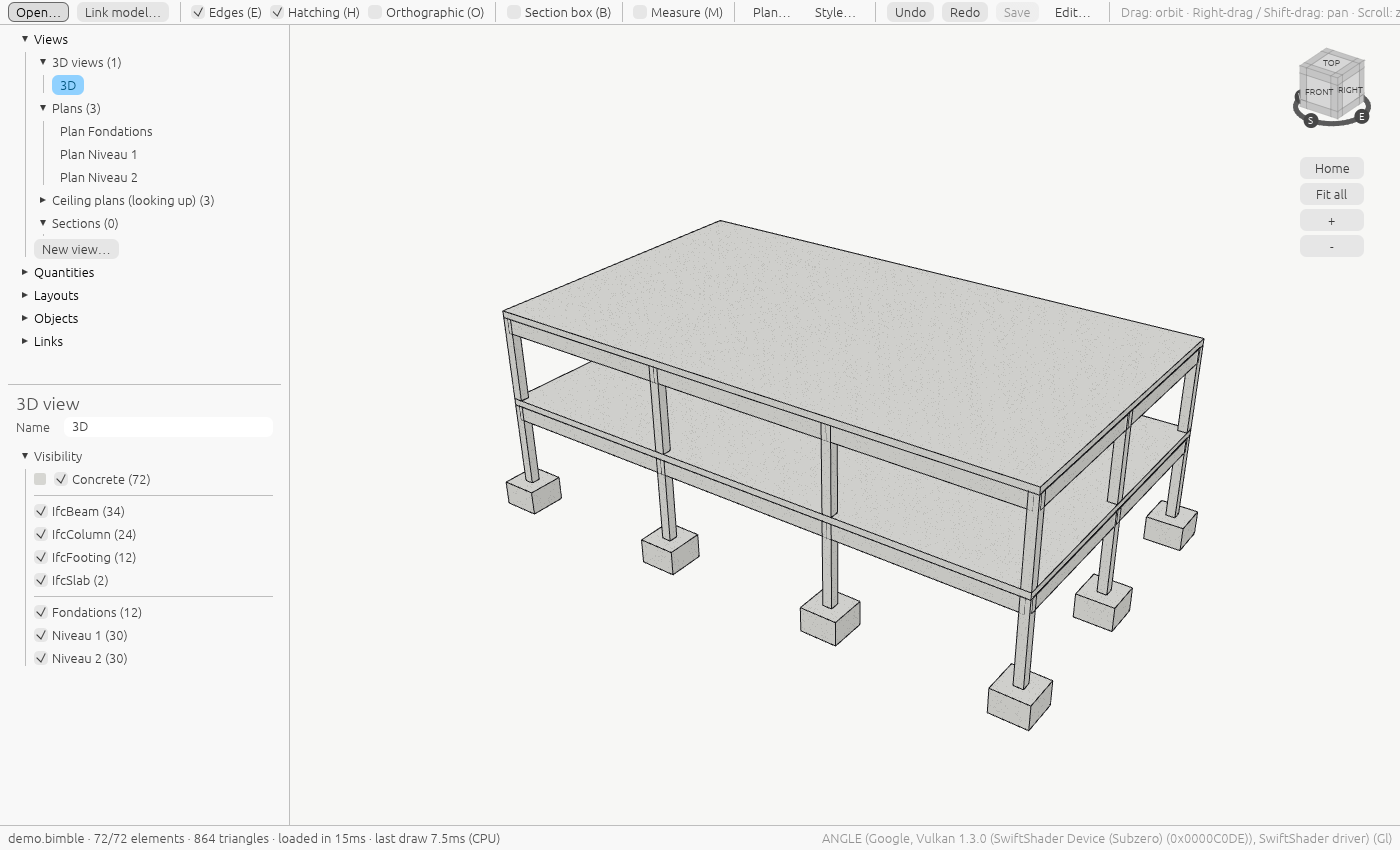
A preview
Bimble is young. It reads IFC for viewing and plans, and edits .bimble models converted
from them. Report
what doesn't work in the issues.
Where to start
- Install Bimble, or open it in your browser.
- First steps: open a model and move around it.
- Storey plans: from a model to a printed plan.
- Command line: every command, for scripts and batch work.
Links
- Source code: github.com/guilbep/bimble, MIT licence.
- Downloads: releases.
- Design decisions: the ADRs in the source.